
Thank you for taking the first step in exploring the world of modeling!
To access all the features of our website, you will need an account.
We use a single sign-on system to connect our two systems, which runs through Microsoft. Because of this, when you set up your account, your password will be the same one you use for your school email address.
Steps for Creating a New Account
- Click here, or on the Login / Sign-up button on the top right corner of your screen
- Click on the "Log into your 3DMD Account" button
.png?width=670&height=225&name=MicrosoftTeams-image%20(107).png)
- Once you're on the Sign in page, click on "Create one!"
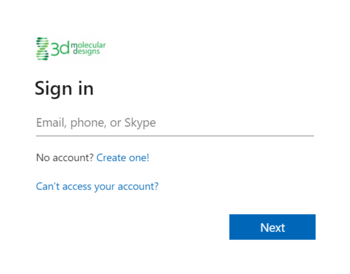
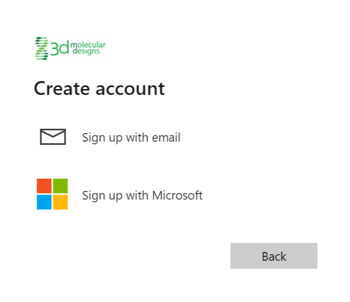
- Choose to create your account manually, or through an existing Microsoft Account, to receive your verification code
-
- If you sign up with email, enter the email and password details for your new account
- If you sign up through Microsoft, enter the credentials for your existing Microsoft account
-
- Grant 3D Molecular Designs permission to collect data to create your account
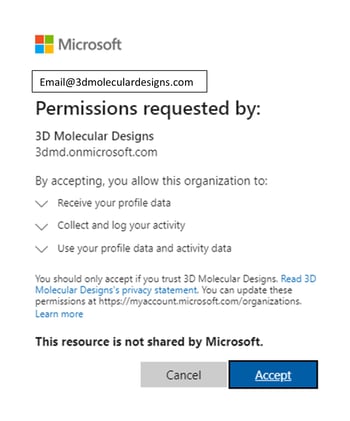
- Add your account details
.png?width=350&height=408&name=MicrosoftTeams-image%20(106).png)
- You've created your account. Enjoy exploring the molecular world!
If you have any questions on the process for creating a new account, please Contact Us.